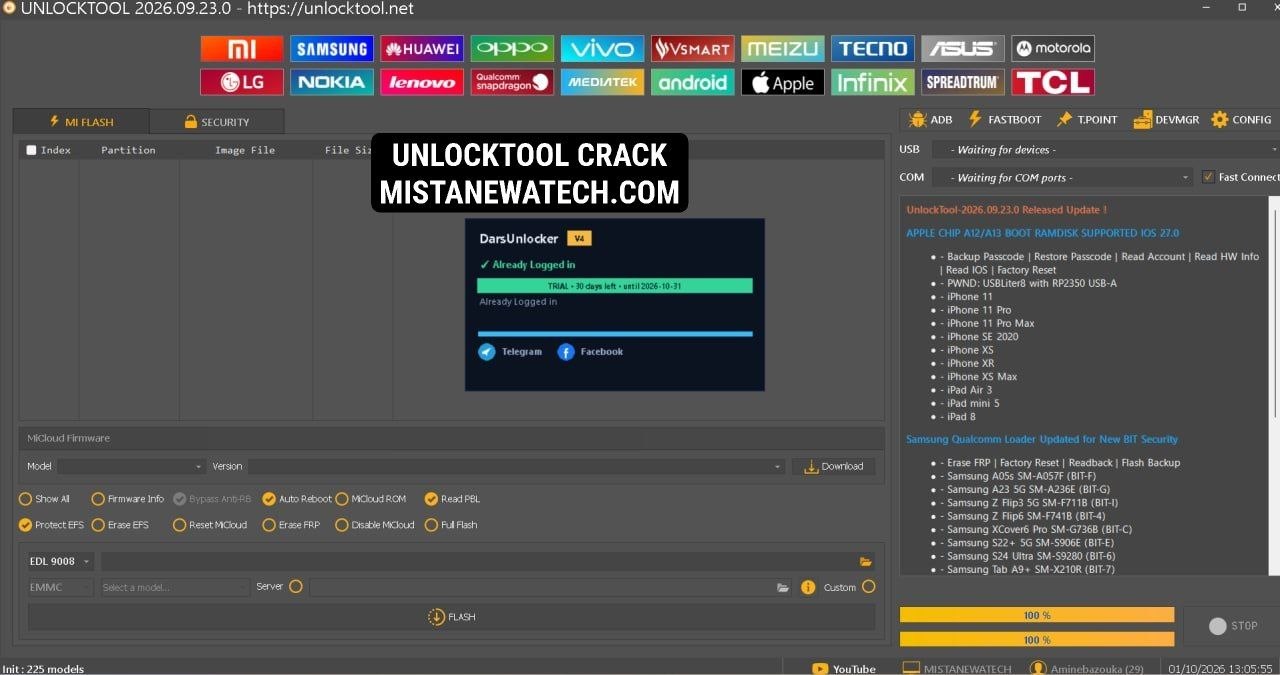
DarsUnlocker is a bypass loader that works with UNLOCKTOOL to provide free login access. It runs a local server on your PC and p@tches UNLOCKTOOL in memory so login and license checks pass. The latest UNLOCKTOOL. It supports Xiaomi, Samsung, Vivo, OPPO, Realme, Huawei, Honor, Apple, MediaTek, Qualcomm, Unisoc, Tecno, Infinix, Motorola, Nokia, LG, and ZTE. I tested the login flow myself and it worked without any paid account.
Features
- Free login for UNLOCKTOOL without paid account
- Runs a local server to answer login and license requests
- Patches UNLOCKTOOL in memory to bypass checks
- Works offline after first online check
- Supports Xiaomi, Redmi, and POCO devices
- Supports Samsung FRP removal via MTP, Knox, Testpoint, and EDL
- Supports Vivo V-Account bypass and demo mode removal
- Supports OPPO and Realme ID bypass and OFP flashing
- Supports Huawei and Honor ID removal and firmware flashing
- Supports Apple iCloud bypass and Ramdisk flashing
- Supports MediaTek auth bypass without a box
- Supports Qualcomm EDL flashing with Firehose programmer
- Supports Unisoc and Spreadtrum PAC file flashing
- Supports Tecno, Infinix, Motorola, Nokia, LG, and ZTE operations
Download DarsUnlocker + UNLOCKTOOL v2026.09.23.0
How to Install;
- Download the DarsUnlocker setup installer.
- Right-click the installer and choose Run as Administrator.
- Click Next through the setup wizard.
- Keep the “Create a desktop icon” option checked.
- Click Install and wait for it to finish.
- Click Finish to complete installation and launch the app.
- Wait for the loader to initialize and check online status.
- Open Task Manager, go to Details tab, set priority to High for DarsUnlocker.exe and UNLOCKTOOL.exe.
- Open UNLOCKTOOL and use the username shown in the loader (e.g., aminebazouka) with any password.
- Click Agree on the disclaimer and start using the tool
About the Author